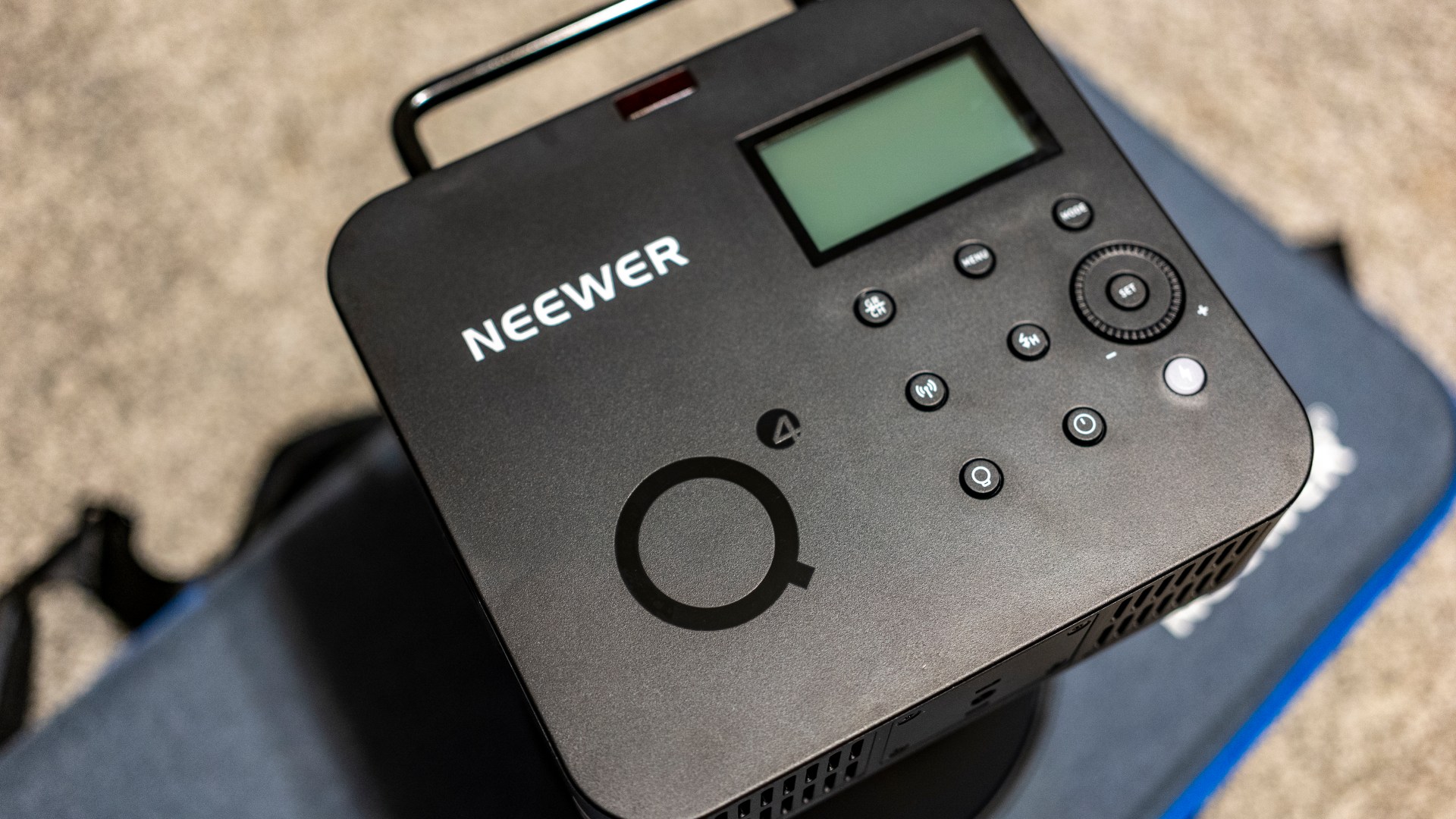
Geek Corner: A Neewer Firmware Notice For About Three People.
Those three people, other than me, will have:
- A GFX 100S.
- GFX100 also according to the firmware notes.
- Other Fujifilm cameras are also impacted.
- A Neewer Q4.
- Lovely things. Novel form factor and the power of an AD400 for the price of an AD200. Less if you catch a discount code on their website. I traded my mixed bag of AD200s and an AD300 to fund the move.
- A Z2 flash as trigger, Q Pro trigger, or other trigger I imagine.
The issue:
With the Fujifilm bodies, you can remotely trigger another Neewer Z flash using TTL, but the Q4 will not fire.
I say TTL specifically because maddeningly, they will fire when you press the test fire button. So they are connected. But TTL will not work. But a Z flash set right next to it will fire without issue.
What?
My first guess as to a solution was a firmware update.
Neewer firmware update is pretty standard stuff in theory.
- Download a Neewer desktop app.
- Download the specific firmware for your device from the same link above, and unzip it.
- Press mode and power or menu and power for older devices to initiate connection mode on the device.
- Plug it in, choose the device and file you downloaded, and click upgrade.
- Watch the status until it is done.
That is when I ran headlong into…
Issue 2:
Neewer Windows app did not see Neewer devices when they were connected via USB.
Same behavior no matter what flash, strobe, or trigger I connected.
Whee!
Unfortunately, the Neewer documentation was of no help.
A Google search netted me no solutions.
AI was even worse, offering broadly generic catch-all guesses.
YouTube tried, but the one fix video I found while encouraging… did not fix anything.
Then I finally noticed that in the device configuration USB listing the device itself said update driver…
So I right-clicked and did as I was told… And it connected.
Then I went ham updating everything.
Thought of doing each and testing the Q4 to confirm what firmware fixed it, if it would indeed fix it, but that quickly lost out to a full-on “Update everything!” fit.
And then it worked just fine with both Fujifilm cameras.
My guess?
It was a trigger side issue.
Why?
The Neewer Q Pro F firmware note called out the GFX 100 specifically, which I also assume fixed the other Fujifilm camera I tested.
Could have been the Q4 side also, I suppose. I will never know… But I do not care.
Becuse everything works now.
The advice for those three other folks with a Fujifilm camera trying to trigger a Q4 and having issues?
- Right click the USB listing in the Windows Device manager, each time you plug a device in, and update the driver.
- Update the firmware.
An issue specific to Fujifilm. Flash as trigger and actual trigger worked fine with the Q4 with Sony.
After all of that faffing about, do I have any regrets?
Nope.
Still a great system at a great price.
Welp. That is a wrap for this one.
Happy capturing.
-ELW

 Eric L. Woods
One Reply to “Geek Corner: A Neewer Firmware Notice For About Three People.”
Comments are closed.